It reads more than business cards.
Business card
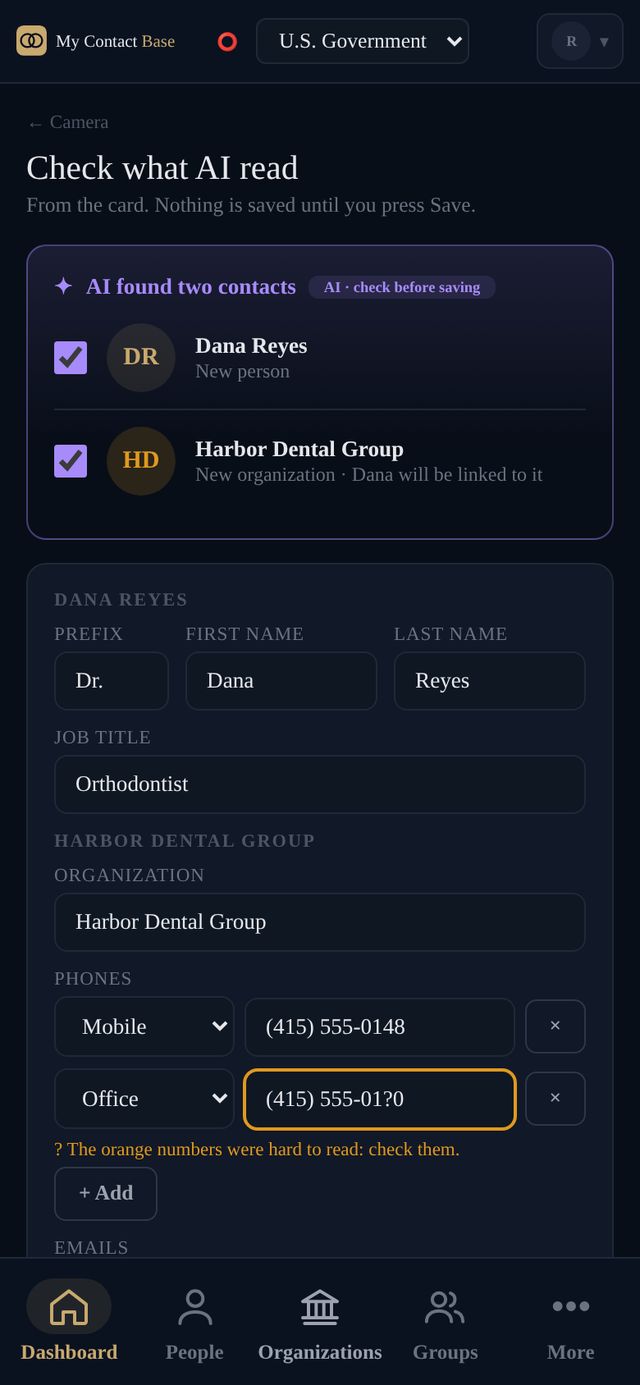
Front and back, read together. The person, their organization and every number on it.
Sign or shopfront
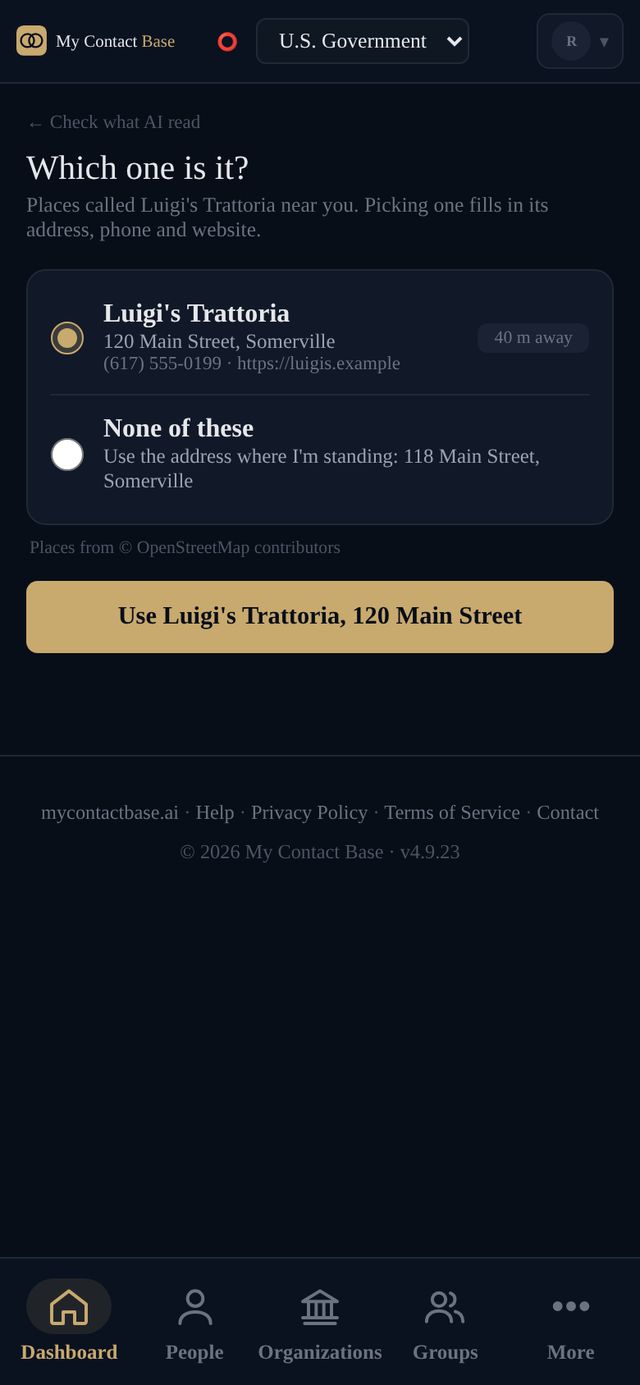
A van or a shop window rarely shows an address. "Find it near me" looks up the place where you're standing.
Note or handwriting
A page from an old address book: everyone on it is listed, and you tick who to keep.
Screenshot
An email signature, a text with a number in it, a conference badge.
Web page link
Paste a company's contact page. It's read on our server and checked just like a photo.
Trade show
Keep shooting cards all day. They're read as you go and saved together into a new group at the end.
You stay in charge of what gets saved.
Big screen, same steps.
On a computer you choose a photo or screenshot instead of using the camera. Everything else is the same, including the check before saving.
- QR codes on cards are read straight away, without AI and without using a read
- Your position is used only to find the place, and never kept
- Photos aren't kept unless you turn on "Keep the photos"
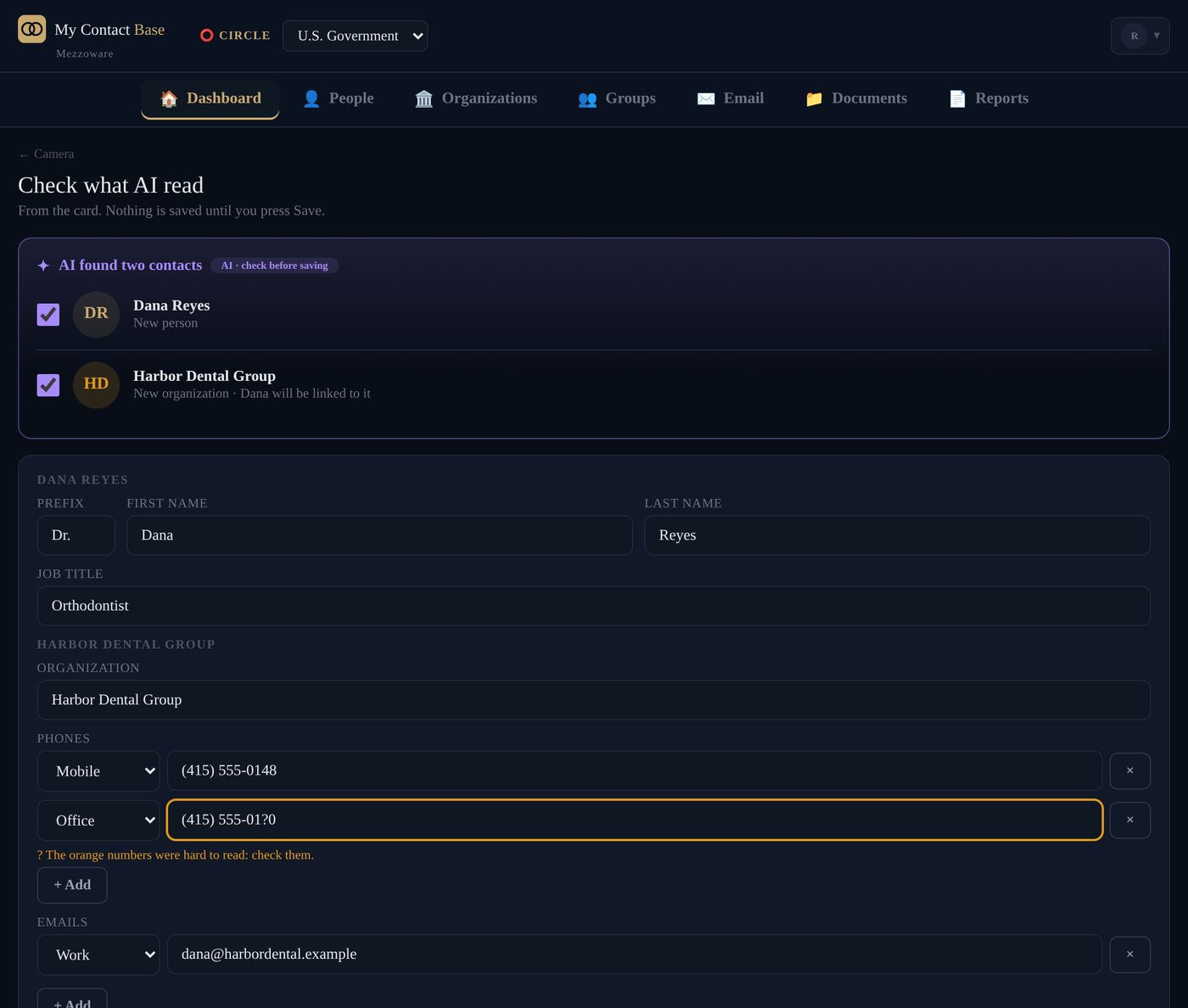
Pictures above use a sample business card and a sample restaurant.
Reads included every month.
One read can include up to four photos, like the front and back of a card.
Questions
Do I need to download an app?
No. Contact Capture is part of the website and works in the browser on iPhone, Android and computers.
What if it reads something wrong?
You see everything before it's saved. Numbers it couldn't read clearly are marked in orange.
Does it use my AI credits?
No. Capture has its own monthly reads. AI credits are for AI lookup.
Can I try it on the Free plan?
The Free plan adds contacts by typing them in. Every paid plan includes Capture and starts with 30 days free.