Circles
Separate address books for each part of your life or business, each with its own people, groups and documents.
See Circles →Phone Sync
Your Circles in the iPhone and Android Contacts app, with caller ID. Two-way if you want it.
How Phone Sync works →Contact Capture ✦ AI
A photo of a card, a sign or a handwritten page becomes a contact. Works in the browser.
Contact Capture page →AI lookup ✦ AI
Type an organization's name; AI finds its logo, website, address and people, each with its source.
See AI lookup →Bulk editor
Tick people and organizations, then group, move, copy to another Circle or delete them in one go.
See the Bulk editor →Safety net
Every Circle saved every night, Recently deleted, two-step sign-in, every change recorded.
Safety page →Groups
As many as you like, in your own order. One person can sit in many groups at once.
Organizations
People linked to where they work, with logos, addresses and a map on every card.
Group email
Send to a group from your own address. Unsubscribes are remembered for every future send.
Documents
Contracts, warranties and policies on the right person, stored privately behind short-lived links.
Reports
People and organization directories, birthdays by month, and what's missing. Print, PDF or CSV.
Your own dashboard
Choose and order your cards: favourites, birthdays, recently added, new from your phones.
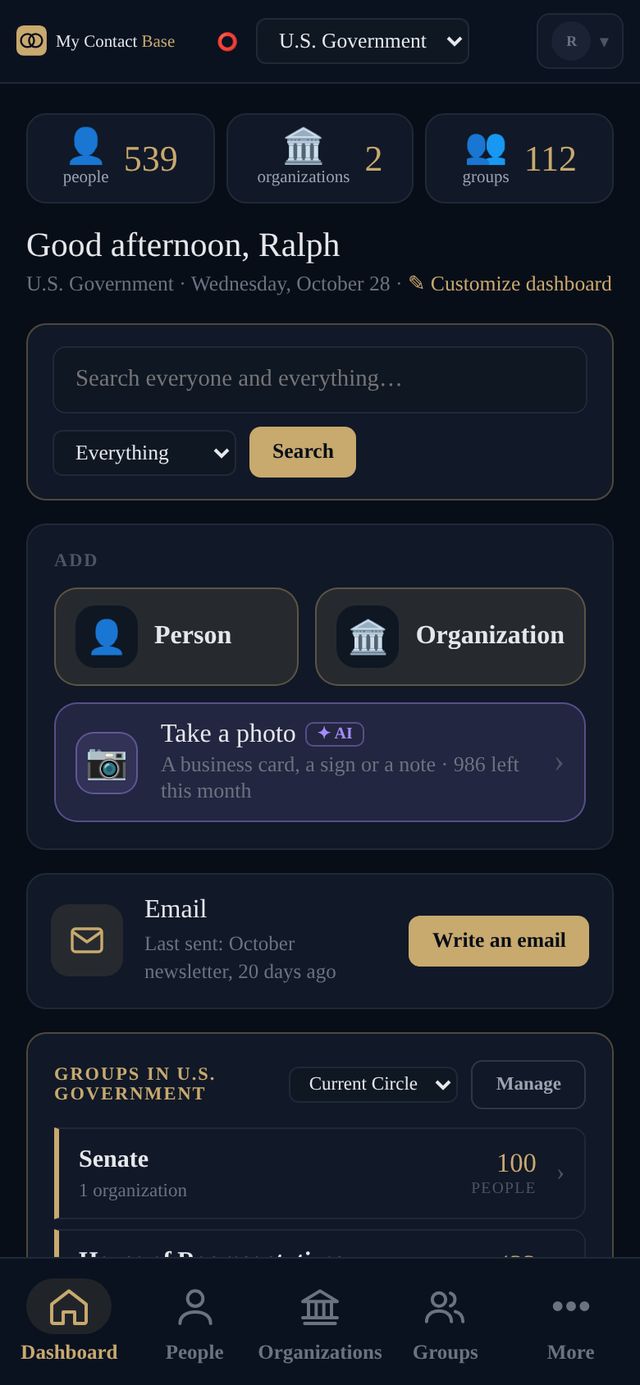
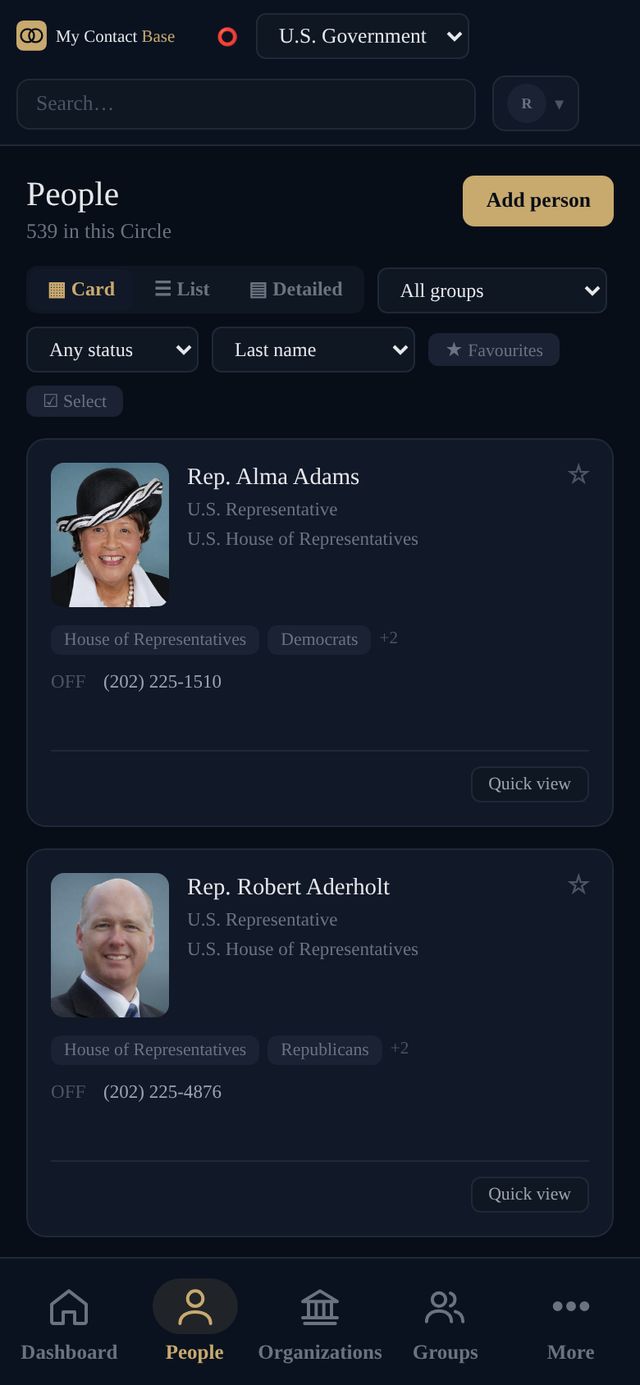
539 people, 112 groups, found in a second.
This is the U.S. Government Circle: every member of Congress in groups by chamber, party, state and committee. One person sits in as many groups as they belong to, and the groups go in whatever order you choose.
- Card, list or detailed view, with the columns you pick
- Search names, organizations, notes and phone numbers at once
- Read-only or read-and-write access, per person, per Circle

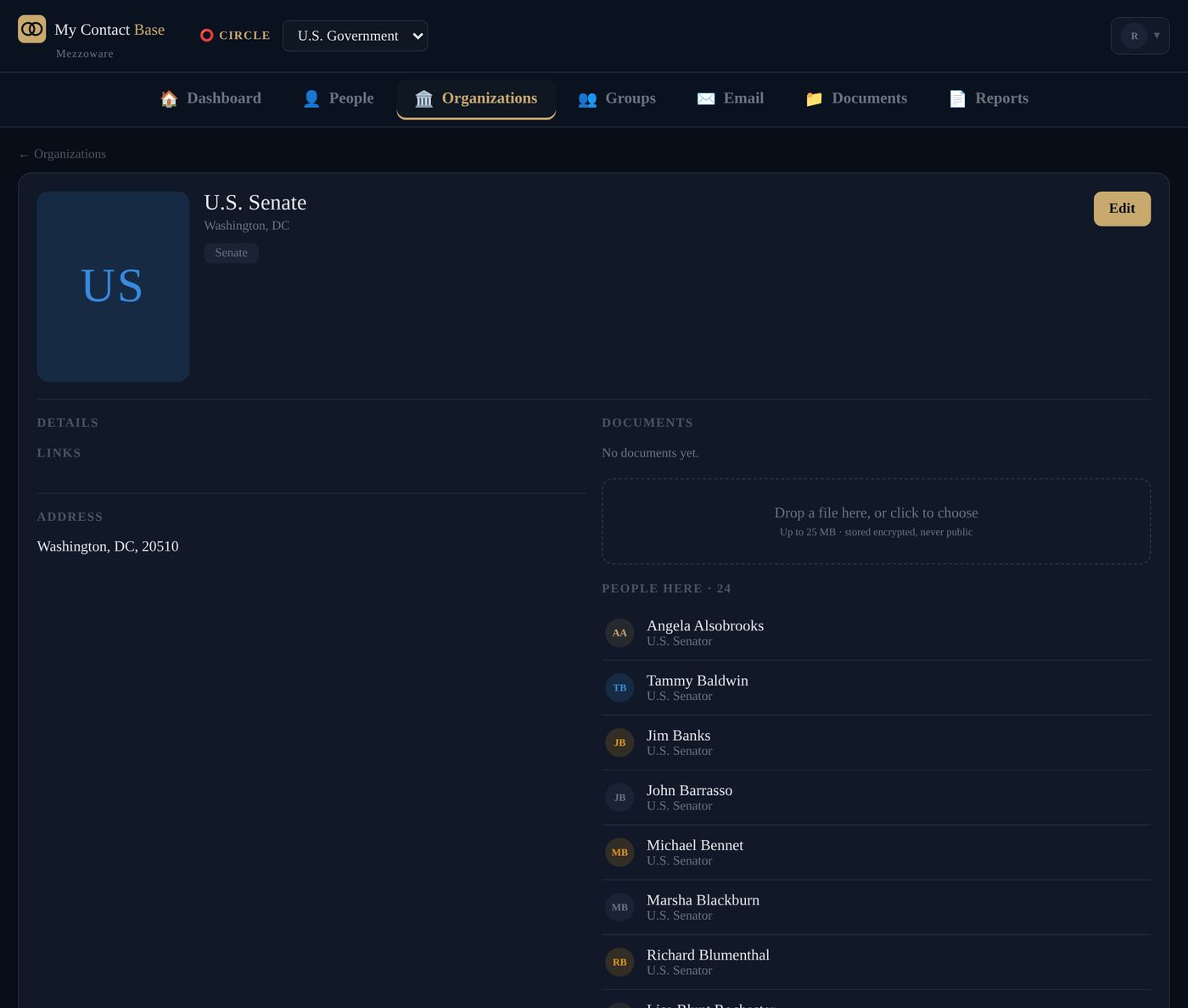
Every organization shows its people.
Link people to where they work. Someone changes jobs, you move them, and their notes and documents come along.
- A logo, address, phones and a map on every organization
- One person can belong to several organizations
Your Circles in your phone's own Contacts.
No app to open. The people you choose appear in the Contacts app on your iPhone or Android phone, so when one of them calls or texts, their name and company are already on the screen.
- Whole Circles, certain groups, or only your favourites, set for each person
- One-way by default; two-way if you turn it on, and a delete on a phone always asks you first
- Lost a phone? Revoke it in one click
On every paid plan. More about Phone Sync →

Bring in the contacts already on your iPhone.
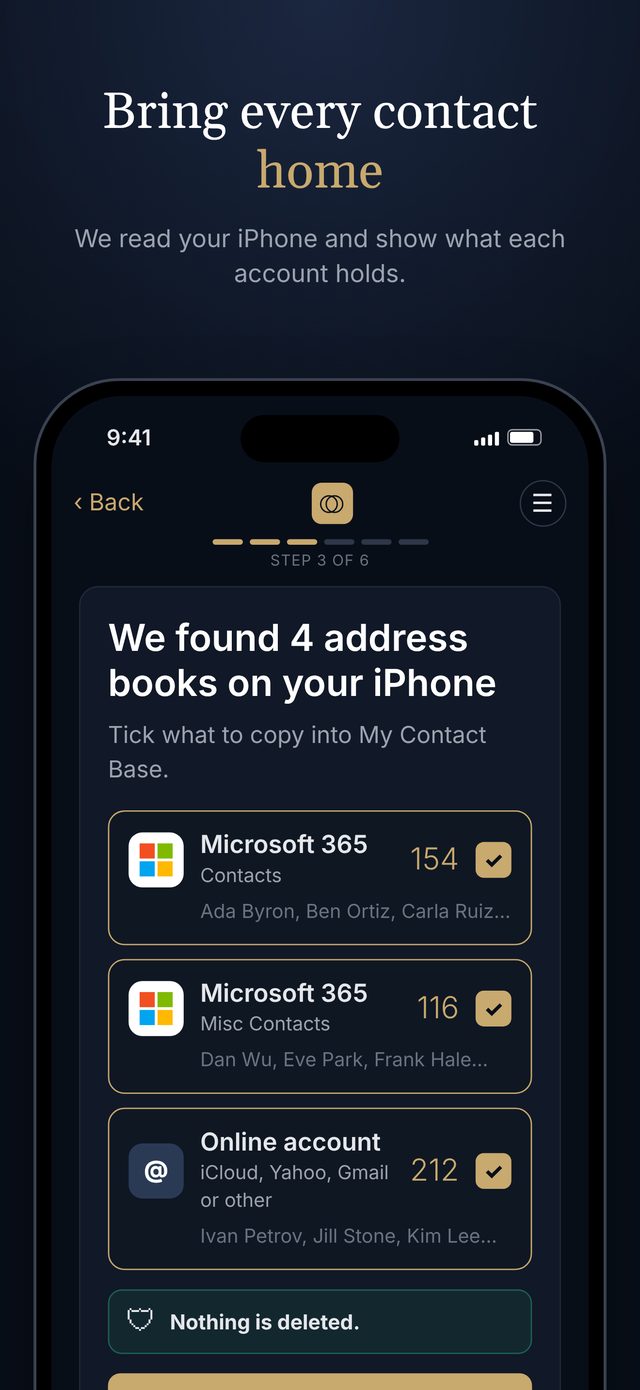
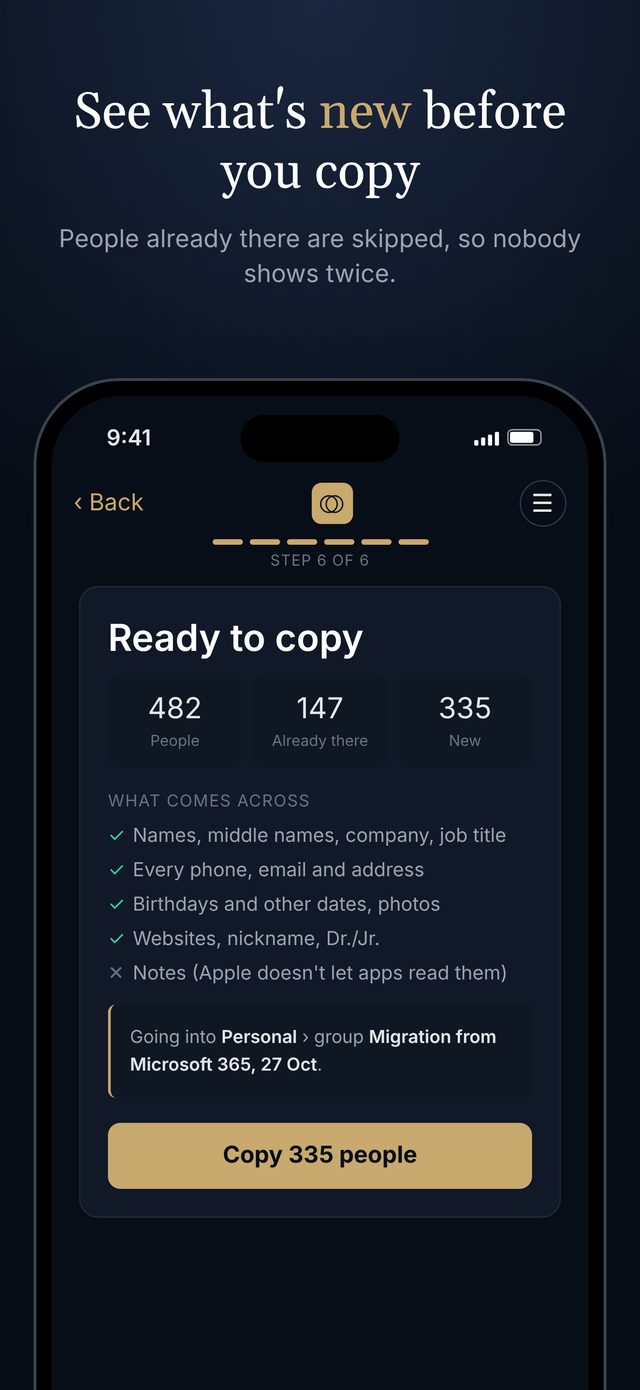
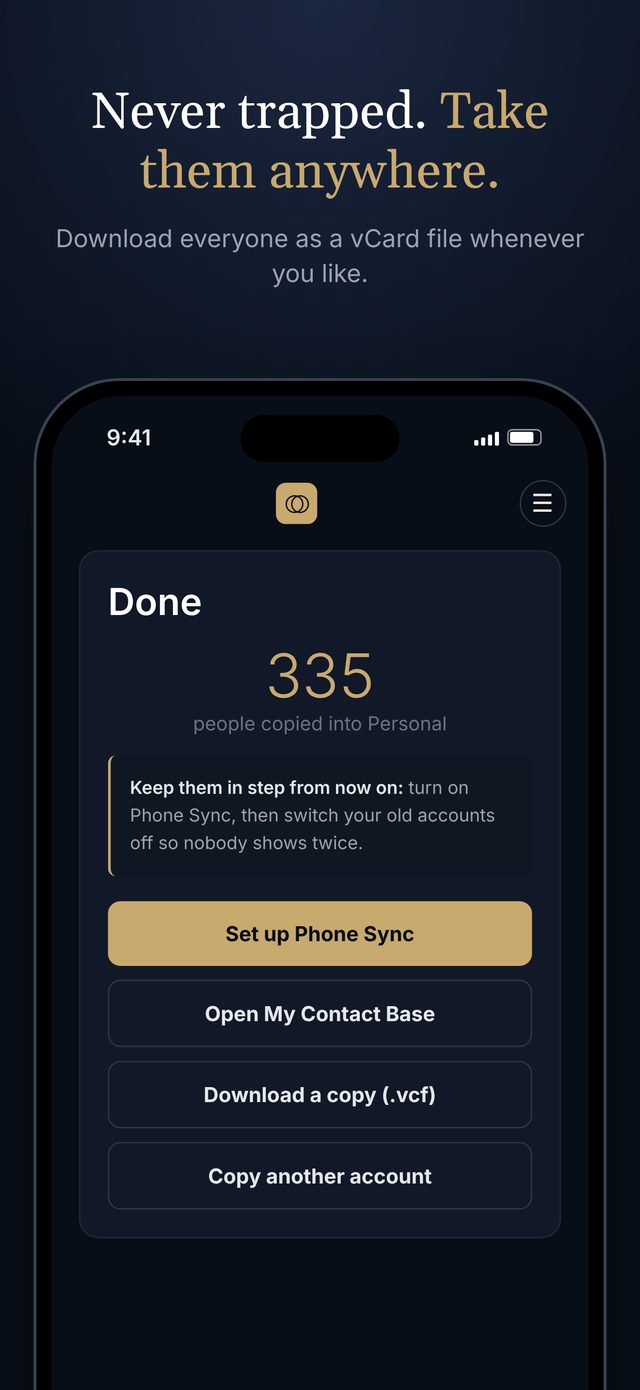
Apple gives you no way to export contacts in bulk from an iPhone. Our free Migration Tool does it from the phone itself: it shows each address book it finds (iCloud, Google, Outlook), skips the people you already have, and copies the rest into the Circle and group you choose.
- Nothing on your phone is ever changed or deleted
- Photos, birthdays, every phone, email and address come across
- Copies on the phone more than once can be combined first
Coming soon to the App Store · free on every plan, including Free.
Fill in an organization from the web.
Press "Search for information" on an organization. AI suggests its logo, website, LinkedIn, address and phone, and the people who work there. Each suggestion shows the page it came from, and nothing is kept until you tick it and save.
- Fills in what's missing for people you already have there
- Each search uses one AI credit; every plan has some each month
- The logo, website and LinkedIn page
- The address and main phone number
- The people who work there, with their job titles
- What's missing on the people you already have there
Each suggestion shows the page it came from. You tick what to keep, and only Save keeps it.
Tidy hundreds of contacts in minutes.
Pick a group, or everyone in no group yet. Tick who you want, then make a new group from them, add or move them to another group, or move or copy them to another Circle.
- A delete goes to Recently deleted, never straight away
- Deleting 25 or more asks you to type the number
- Move or copy a whole group to another Circle from Manage groups

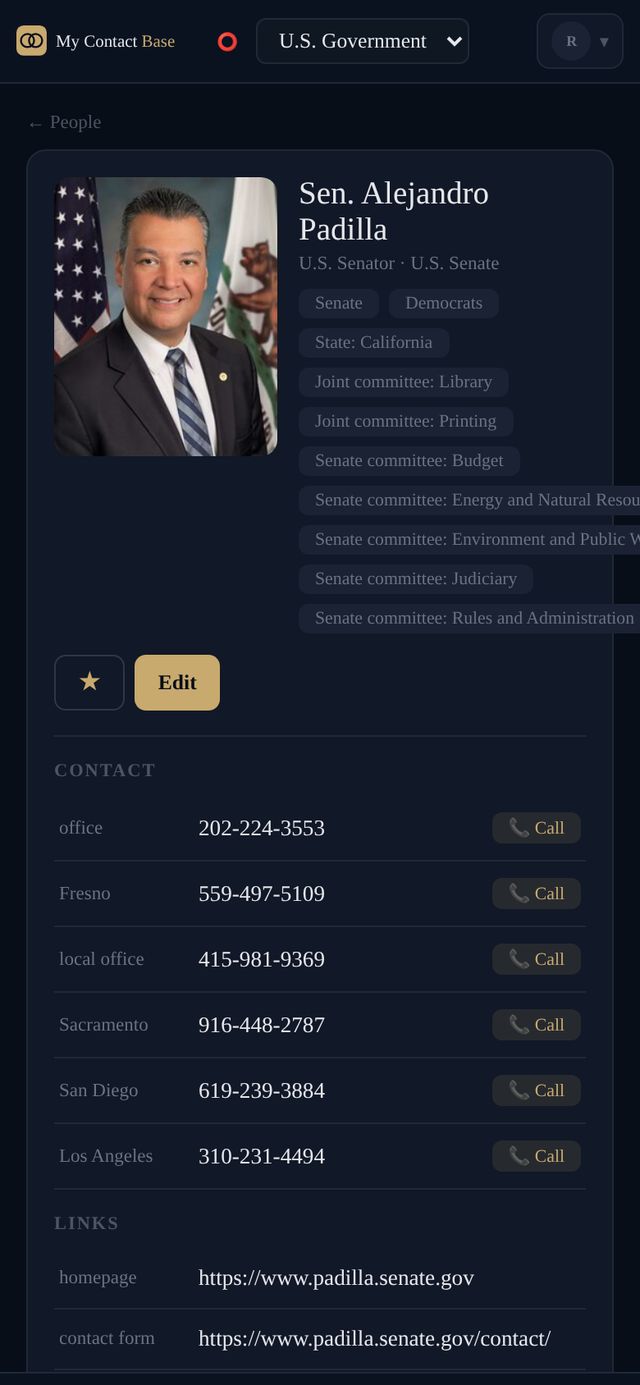
The whole app works on a phone.
Open app.mycontactbase.ai on any phone and it fits the screen, with a menu bar at the bottom. Add it to your home screen and it opens like an app.