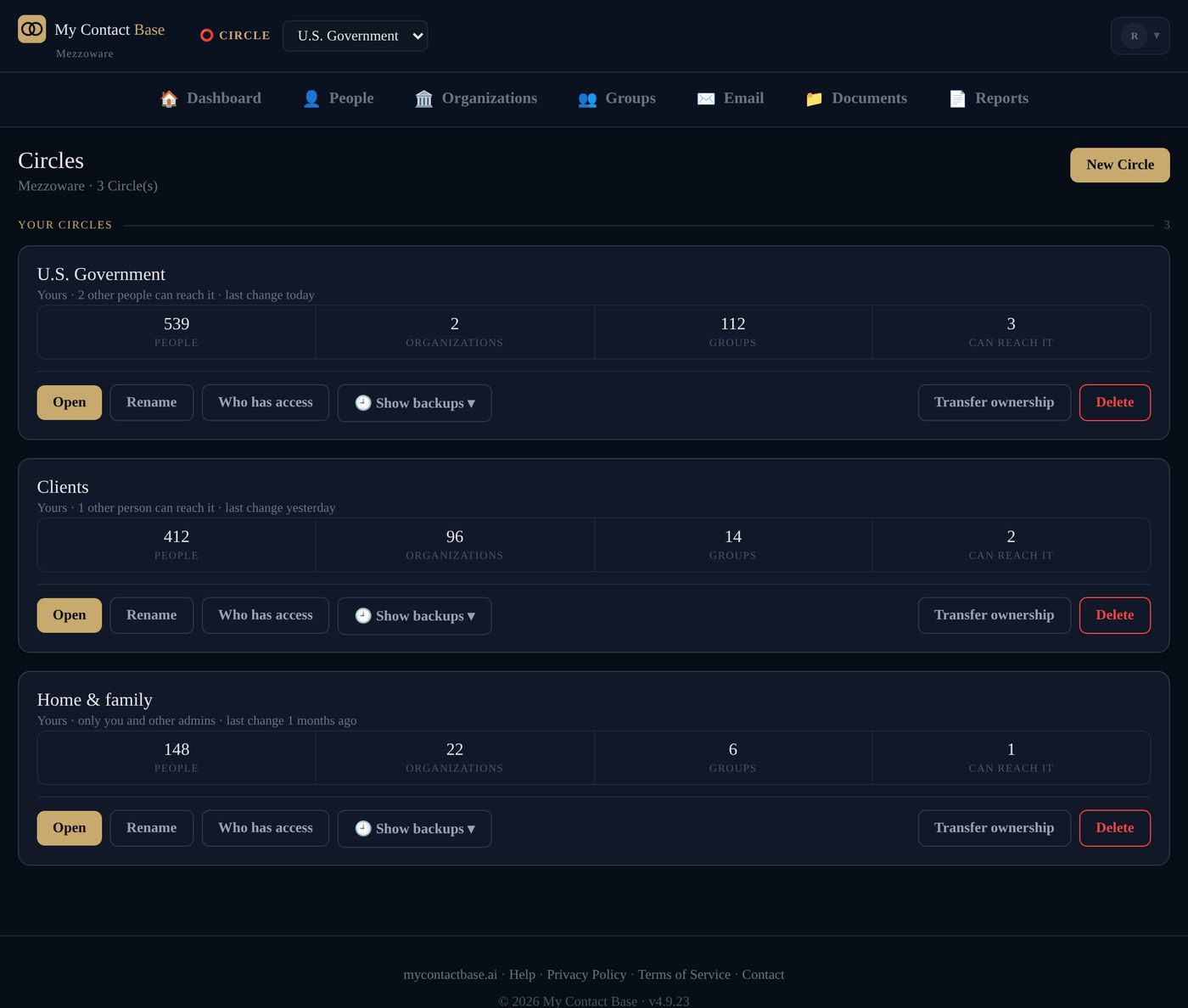
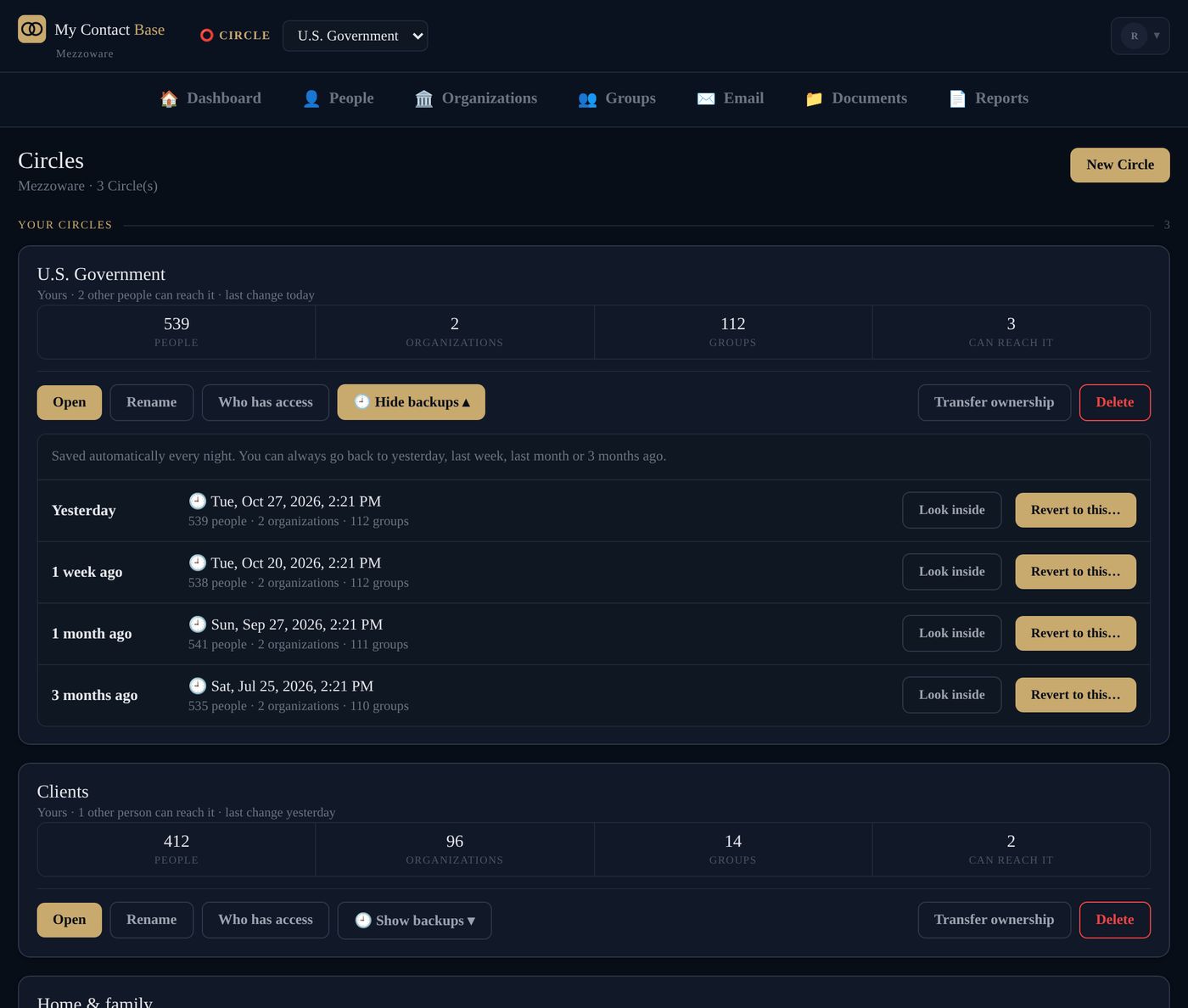
Go back to yesterday, or three months ago.
Every Circle is saved automatically each night. Look inside any saved copy first, then revert with one click. The app saves the Circle as it was just before, so a revert can be undone too.
Recently deleted
Every person or organization you delete waits in its Circle's Recently deleted, with no time limit, until you put it back or an admin deletes it for good.
Phones can't delete
Delete someone on a synced phone and they're only held. The app asks you once: put them back on the phone, or delete for everyone.
Deleted Circles wait 30 days
A deleted Circle goes to a review list for 30 days before it's removed.
Two-step sign-in
Turn on a code from an authenticator app, with backup codes in case you lose your phone.
Every change recorded
Who changed what and when, including changes made from a phone, exports and access grants.
Private documents
Files are kept in private storage and opened through links that stop working after 15 minutes.
Workspaces kept apart
Every request is limited to your own workspace, so another customer's data can't be reached.
Export any time
CSV, vCard or a printable PDF directory, whenever you like. No approval, no waiting.
No ads, ever
Your contacts aren't a product. Subscriptions pay for My Contact Base.
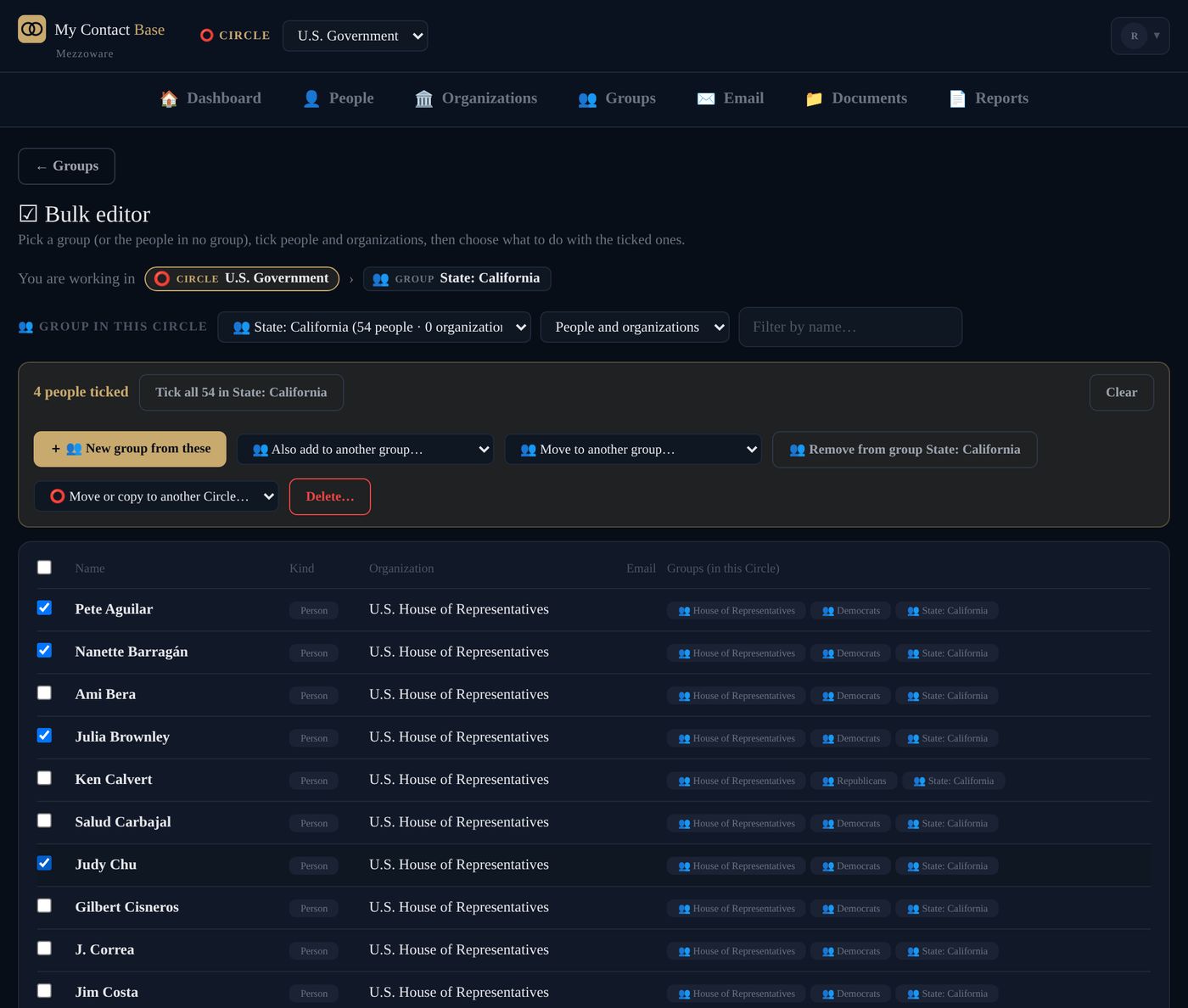
Mistakes are hard to make.
Deleting 25 or more people at once asks you to type the number. Deleting a group deletes only the group, unless you choose to delete its people too. Then you see exactly who goes, anyone who is also in another group is kept, and you type DELETE to confirm.