🔑 Your account and plan
Keep your account safe, set it up the way you like, and choose the plan that fits.
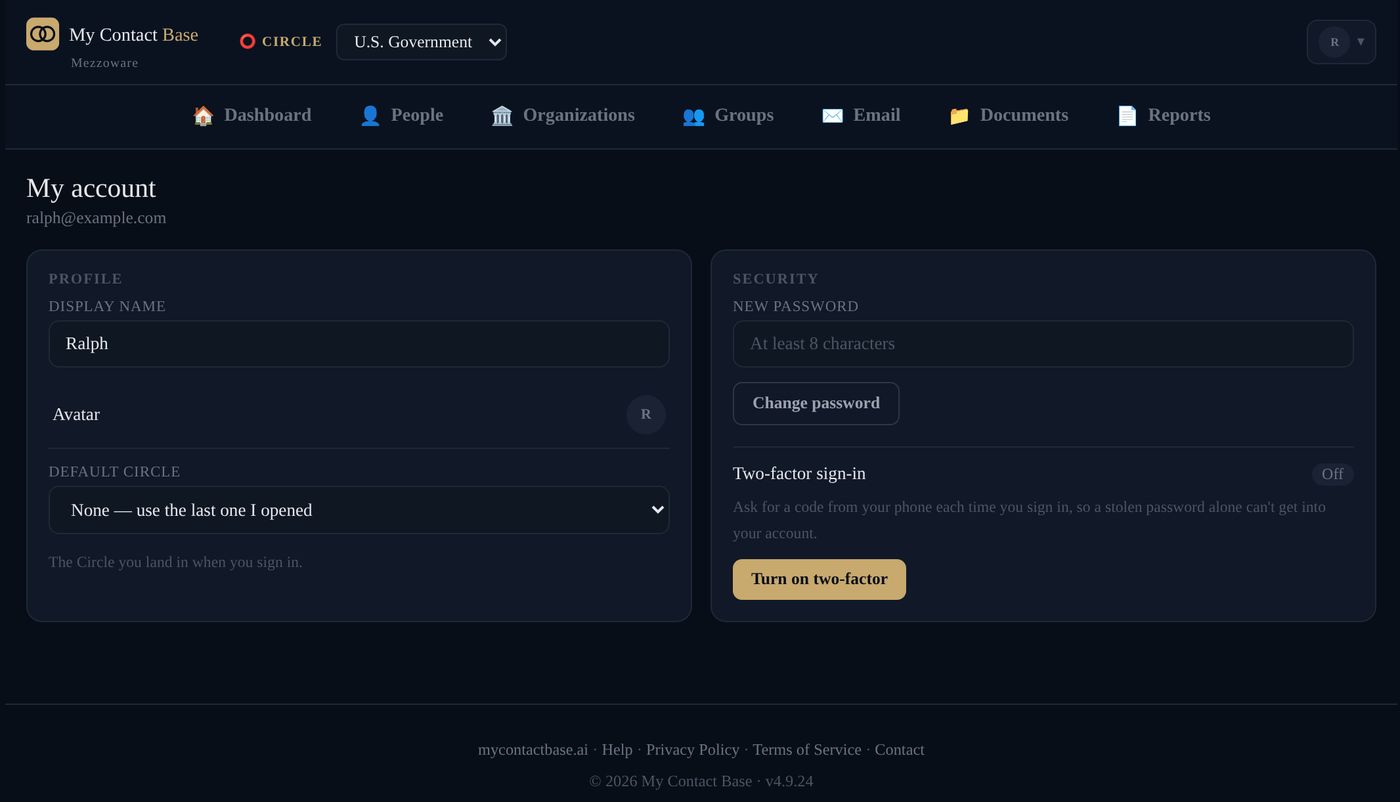
Turn on two-factor sign-in
Two-factor sign-in asks for a code from your phone each time you sign in, so a stolen password alone can’t get in.
- Install Google Authenticator or Microsoft Authenticator on your phone (free).
- Open your account menu (your initial, top right), then My Account, and press Turn on two-factor.
- Scan the code on the screen with the app, and type the 6-digit number it shows.
- Save your backup codes somewhere safe.
Lost your phone? On the sign-in screen, choose Lost your phone? Use a backup code. Each backup code works once.
Your password and name
Open your account menu (your initial, top right), then My Account, to change your password, your display name and the Circle you start in.
Forgot your password? On the sign-in screen, press Forgot your password? and we email you a link.
Use it on your phone like an app
Open app.mycontactbase.ai on your phone. On an iPhone, tap Share, then Add to Home Screen. On Android, tap the ⋮ menu, then Add to Home screen. It then opens like an app, with the menu bar at the bottom.
Plans and billing
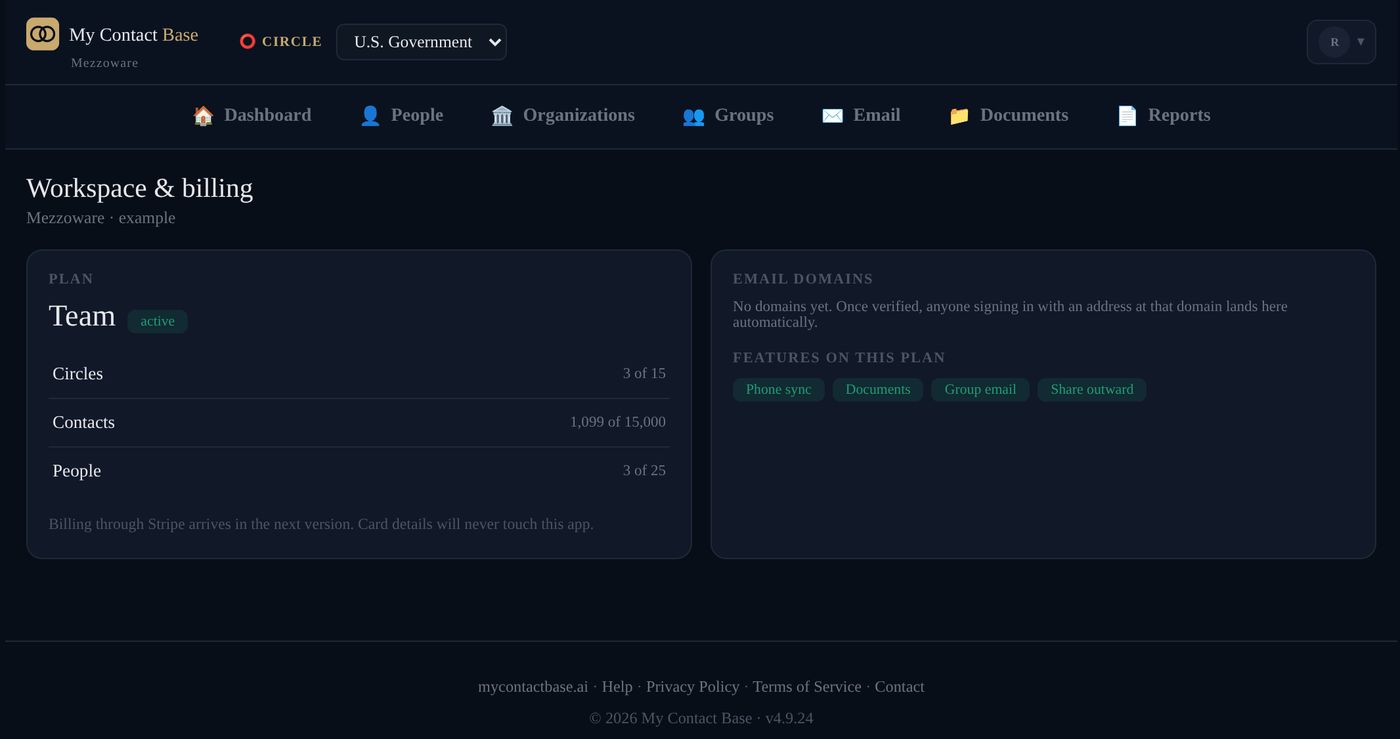
Open your account menu (your initial, top right), then Workspace & Billing, to see your plan and how much of it you are using.
| Free | Personal & Family | Team | Business | Enterprise | |
|---|---|---|---|---|---|
| Price a month | $0 | $4.99 | $19.99 | $49.99 | $99.99 |
| Users | 1 | 5 | 25 | 75 | 200 |
| Circles | 1 | 3 | 15 | 45 | 120 |
| People | 100 | 2,500 | 15,000 | 40,000 | 100,000 |
| Phone Sync, group email, documents | No | Yes | Yes | Yes | Yes |
Paid plans start with 30 days free and are priced per workspace, not per person. Cancel during the trial and you go back to Free, with nothing deleted. To change your plan, write to hello@mycontactbase.ai. All the details.
Follow-up status and job titles
Admins can set the lists people choose from. Open your account menu (your initial, top right), then Follow-up Status (for example “Call back” or “Waiting”) or Job Titles.
Still stuck?
Write to us and tell us what you were trying to do. A screenshot helps.