Help › Group email
✉️ Group email
Send one email to a whole group, from your own address. People who unsubscribe are left out automatically.
Set up your sending address
Open your account menu (your initial, top right), then Email Configuration, and add the address you want to send from. We email it a link: nothing is sent from that address until someone clicks it.
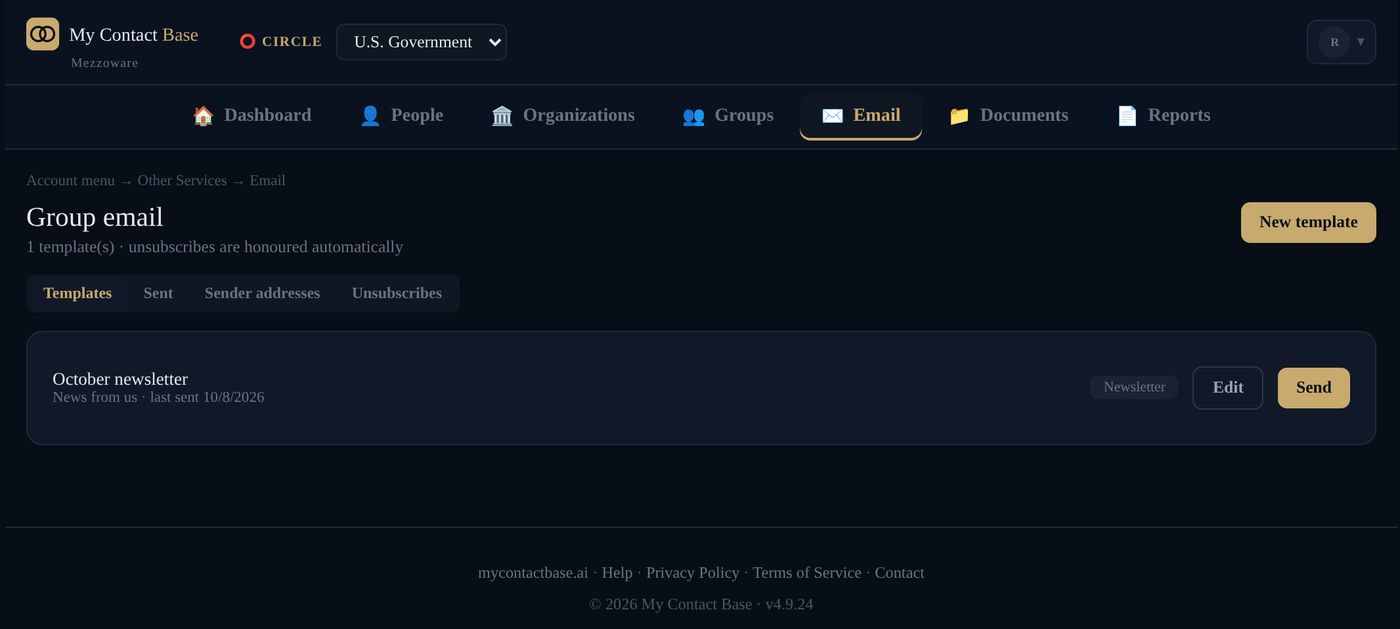
Write and send a group email
- Open Email in the top bar.
- Press New template and write your email.
- Choose who gets it, for example a group.
- Send yourself a test first.
- Press Send.
Group email comes with every paid plan. The Sent tab shows what went out and when.
Unsubscribes
Every email has an unsubscribe link at the bottom. Anyone who uses it is left out of all your future emails from that Circle, automatically. The Unsubscribes tab lists them.
Still stuck?
Write to us and tell us what you were trying to do. A screenshot helps.