🔎 Finding and reports
Find anyone in a second, make your dashboard your own, and print or download lists.
Your dashboard
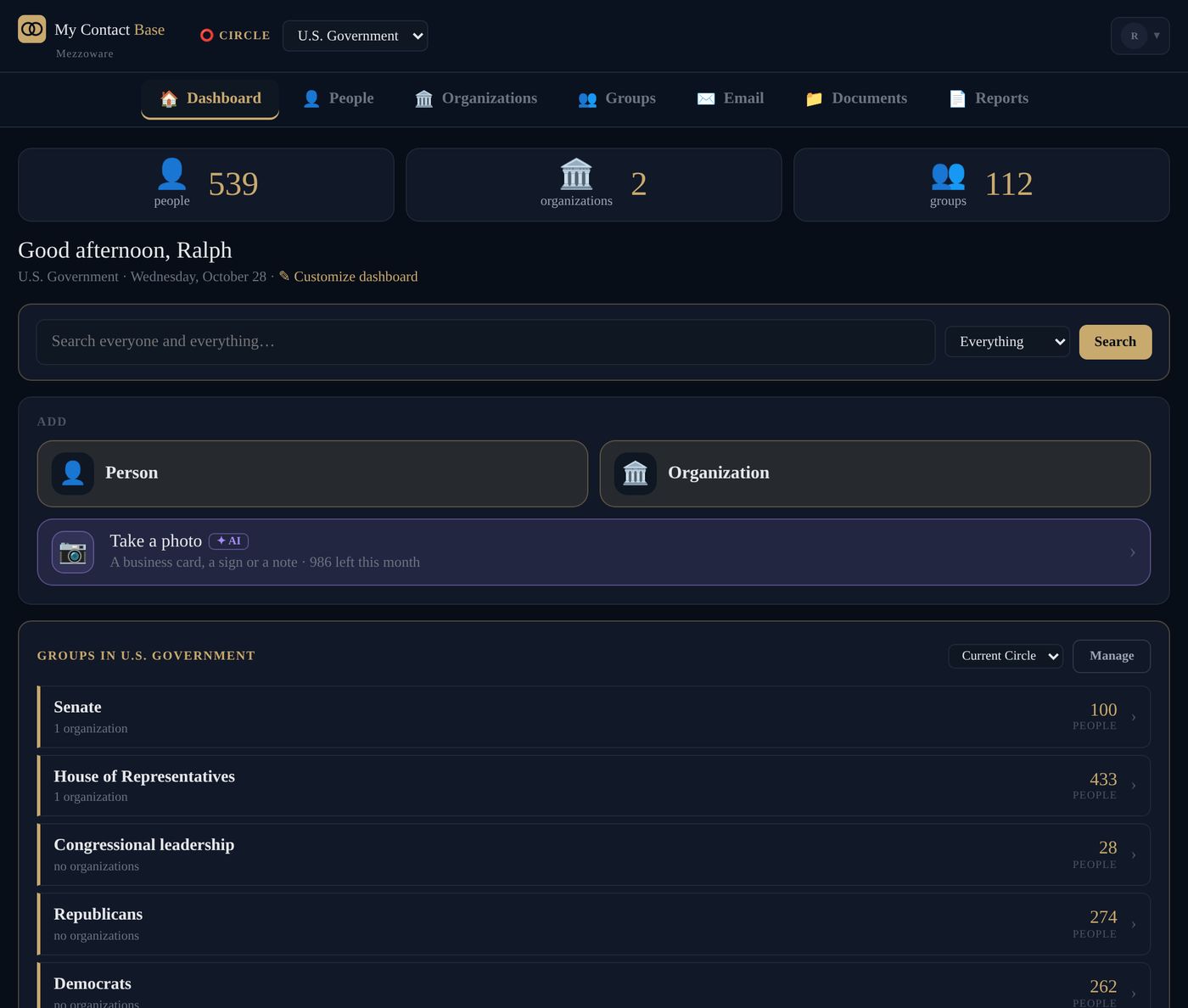
The Dashboard is your home page: how many people you have, a search box, Add, your groups, your favourites, birthdays this week, people waiting from your phones and more.
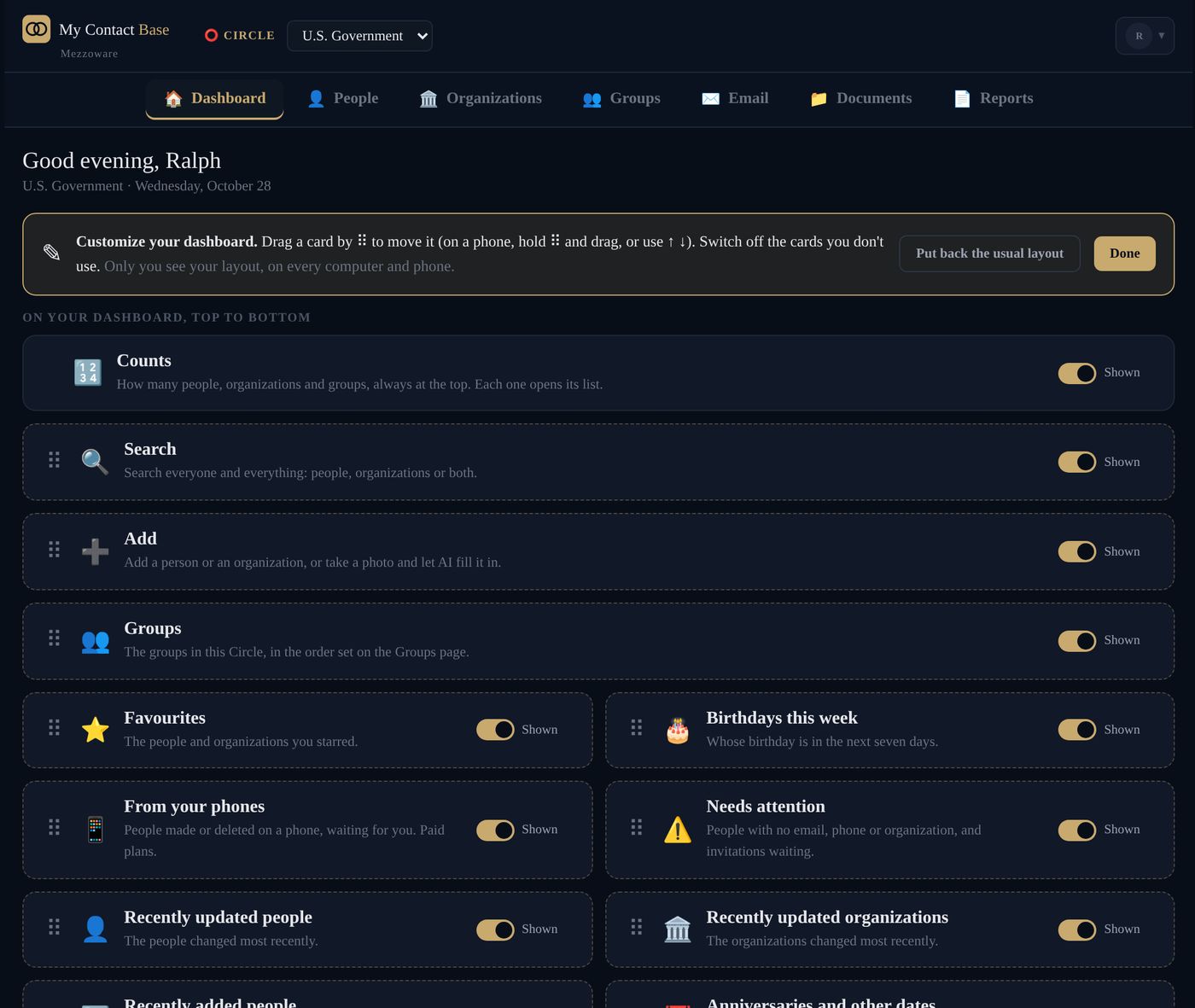
Make the dashboard your own
- On the Dashboard, press ✎ Customize dashboard, next to the date.
- Switch cards on or off.
- Drag a card by ⠿ to move it. On a phone, use ↑ and ↓.
- Press Done.
Your layout is kept on your account, so it is the same on every computer and phone. Put back the usual layout starts again.
Search
Type in the search box on the Dashboard. It looks through names, organizations, notes, addresses and phone numbers all at once. Choose People or Organizations to narrow it down.
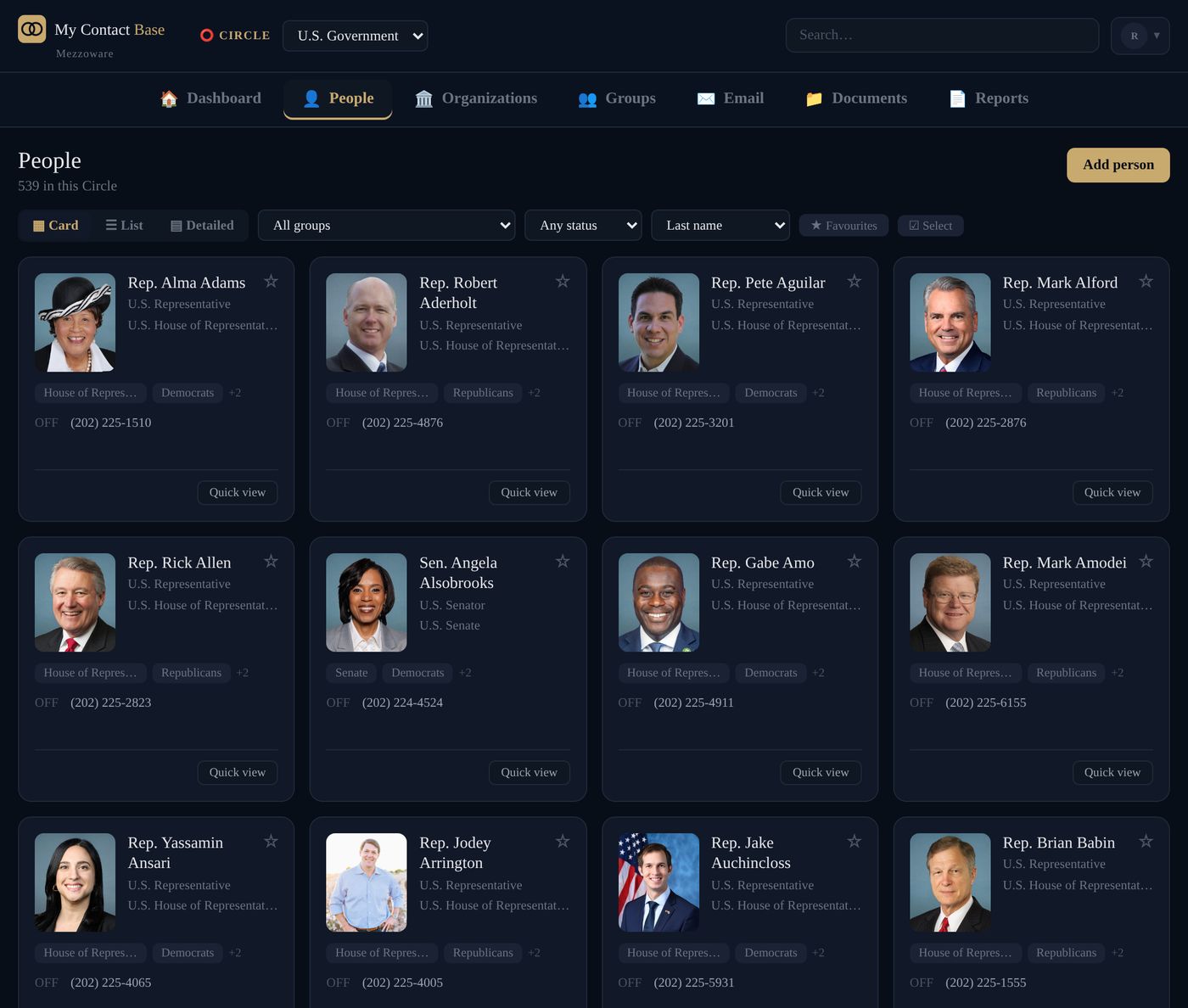
Show people your way
On People, choose Card, List or Detailed. On the lists, Columns chooses what to show. Press ★ Favourites to see only your favourites.
To make someone a favourite, press ☆ on their page.
Reports
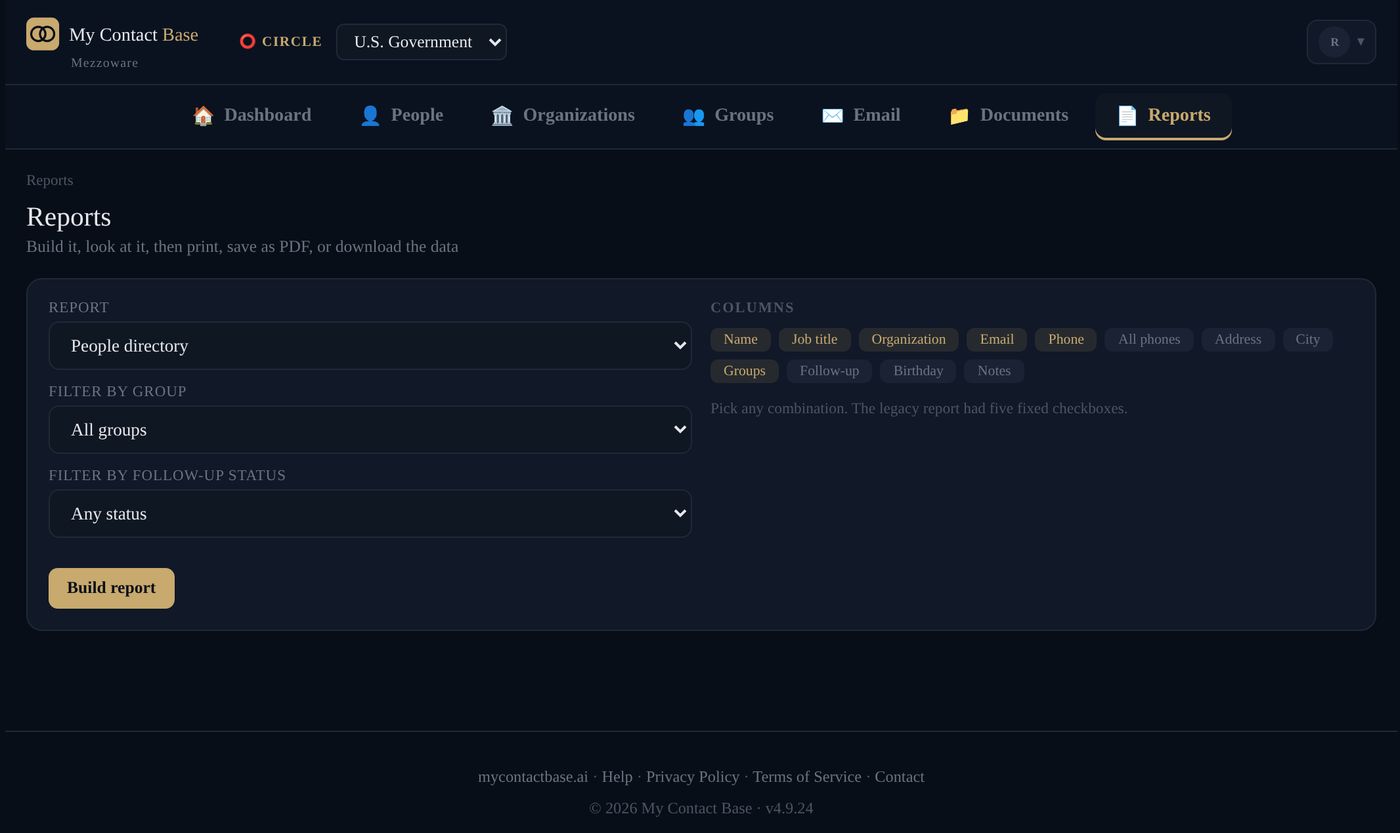
Open Reports in the top bar. Choose a report: a people directory, an organization directory with their people, birthdays by month, or what is missing. Pick the group and the columns, then press Build report. Print it, save it as a PDF or download it as a spreadsheet.
Documents
Keep contracts, warranties and policies with the right person, organization or Circle. Open Documents in the top bar, or the person’s page, and add the file.
Files are kept privately and opened through links that stop working after 15 minutes. Programs and scripts are refused. Documents come with every paid plan.
Still stuck?
Write to us and tell us what you were trying to do. A screenshot helps.